Productivity Software: Key Features And Common Use Cases For Work And Study

Productivity Software: Types and Feature Categories
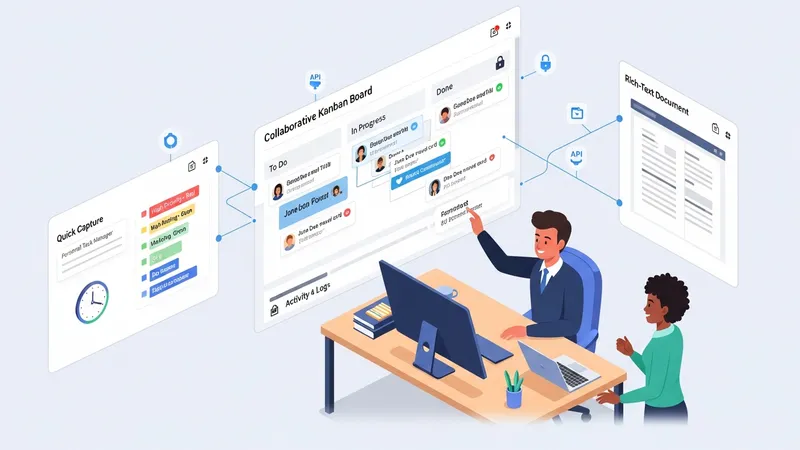
Common categories of productivity software include personal task managers, collaborative project platforms, document and note systems, and integrated office suites. Each category may emphasize different feature sets: personal task managers often focus on quick capture, reminders, and tagging; collaborative platforms typically add shared boards, permissions, and activity logs; document systems prioritize rich text editing, comments, and versioning; and office suites combine several capabilities into a unified environment. Users may select single-purpose apps or assemble a mix of tools that interoperate through connectors and integrations.
Feature coverage typically includes task assignment, deadlines, comments, file attachments, search, and notifications. Advanced options in some platforms may introduce templates, dependency tracking, time estimates, and basic reporting dashboards. Accessibility features such as mobile apps and offline editing are often considered for users who switch devices. When evaluating types, organizations or individuals may weigh simplicity against configurability and the potential for tool overlap that can increase maintenance effort.
Integration patterns are a common differentiator among types. Many teams use calendar integrations to surface deadlines in scheduling views, and document links may be embedded inside tasks for context. APIs and third-party connectors can synchronize tasks and contacts across systems, which may reduce duplicate entry but can add complexity. Considerations about data residency, exportability, and vendor-neutral formats often influence choices in multi-tool environments, particularly when long-term access to content is important.
Typical adoption patterns show that individuals often start with a single, lightweight app for personal organization and then add collaborative tools as team needs grow. Institutions may prefer broader suites that centralize administration and compliance features. Training and change management are relevant regardless of type: even feature-rich systems require clear conventions and simple workflows to avoid inconsistent use. These practical considerations help readers understand how types align with real-world needs.